
Download now!
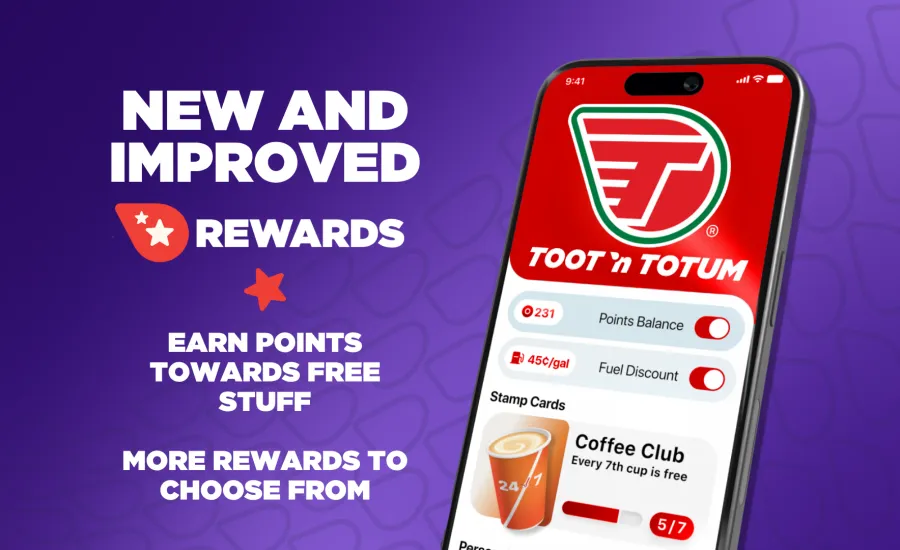
Experience the Toot'n Totum App: Your Key to Rewards & Convenience
We've revamped our app with you in mind! Enjoy a smoother, more intuitive experience with exciting new features designed to make your Toot'n Totum visits even better.
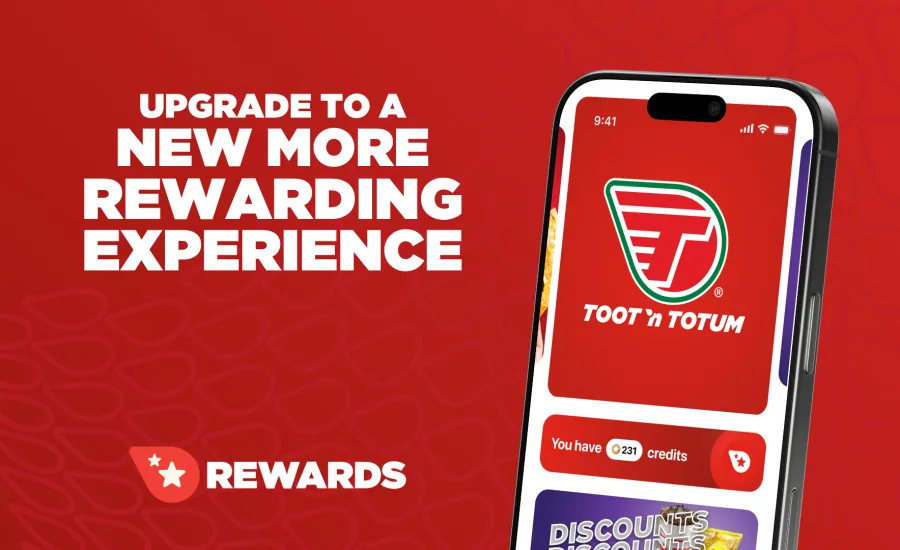
Enjoy the New App
- Step 1: Download or update the TNT Rewards app from the App Store or Google Play.
- Step 2: Create an account using your phone number.
- Step 3: Enjoy your rewards!
- Already have points? Don't worry, they will transfer over automatically! Just make sure you sign up with the same phone number you used before, and we'll handle the rest.
Frequently Asked Questions
Q What's new about the app?
The new TNT Rewards app is packed with features designed to save you time and money. Look out for:
- Personalized offers based on what you buy
- Faster checkout just by using your phone number
- Instant points updates right in the app
- Easy sign-up at the pin pad or fuel dispenser
- Stored digital receipts for every transaction
- In-app games to win extra rewards and offers
Q Where did TNT Pay and Pump Activation go?
TNT Pay & Pump Activation Are Coming Soon! We are putting the finishing touches on TNT Pay and gas pump activation for the new app. They aren't quite ready yet, but they're coming soon!
How to get your fuel discount today: In the meantime, you can still get your fuel savings by entering your phone number on the pin pad before you fuel up!
Our Current Fuel Discounts:
- Every Day: 5¢ off every gallon, every fill-up—for all Guests!
Q Will my points from the old app transfer over?
Yes. All points from the old rewards program move over automatically. Just make sure to sign into the new app using the exact same phone number you used before at the register or the pump.
Q What should I do if my points are missing?
If your points do not appear after logging in, please reach out to us through the Toot'n Totum Contact Page. You can upload a copy of your receipt directly through the online form so our customer service team can update your account.
Q Where can I find my fuel rewards balance?
- To view your balance, tap the Scan button located at the bottom of the screen.
- Once you tap the Scan button, you will see your current fuel discounts. There is a convenient toggle switch that allows you to choose whether to use all of your available discounts.
- For more information on any fuel discount, just tap directly on the fuel discount image to view the full details and terms.
Q How do I change my Account Info?
Tap the Profile icon in the top left of the home screen, then tap Settings to edit your info.
If you need any other assistance, please contact our support team at https://www.tootntotum.com/contact